The Medical ID answers the questions that matter now.
If the resident is confused, unconscious or unable to explain their situation, the emergency profile provides a focused set of information instead of leaving the helper to guess.
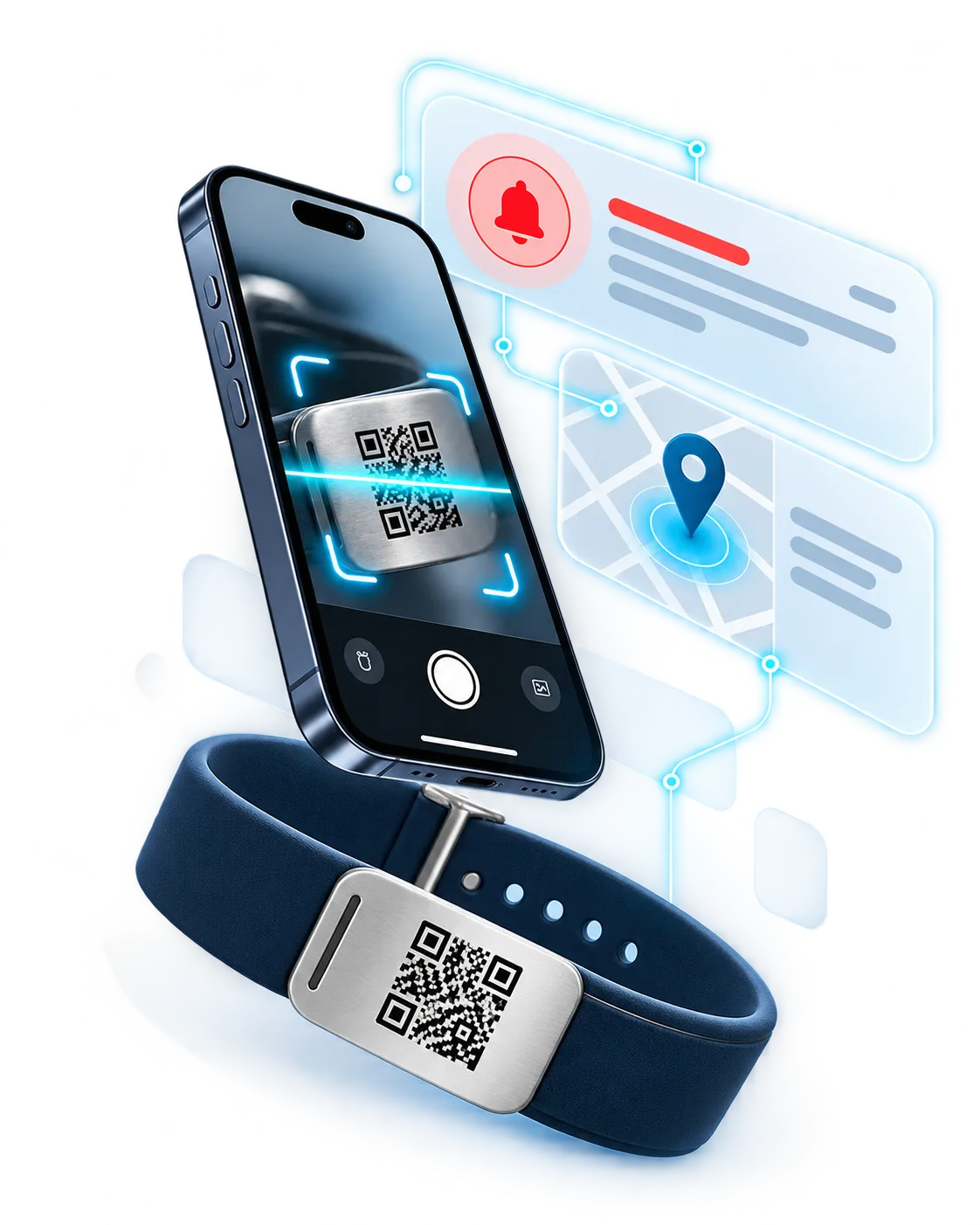
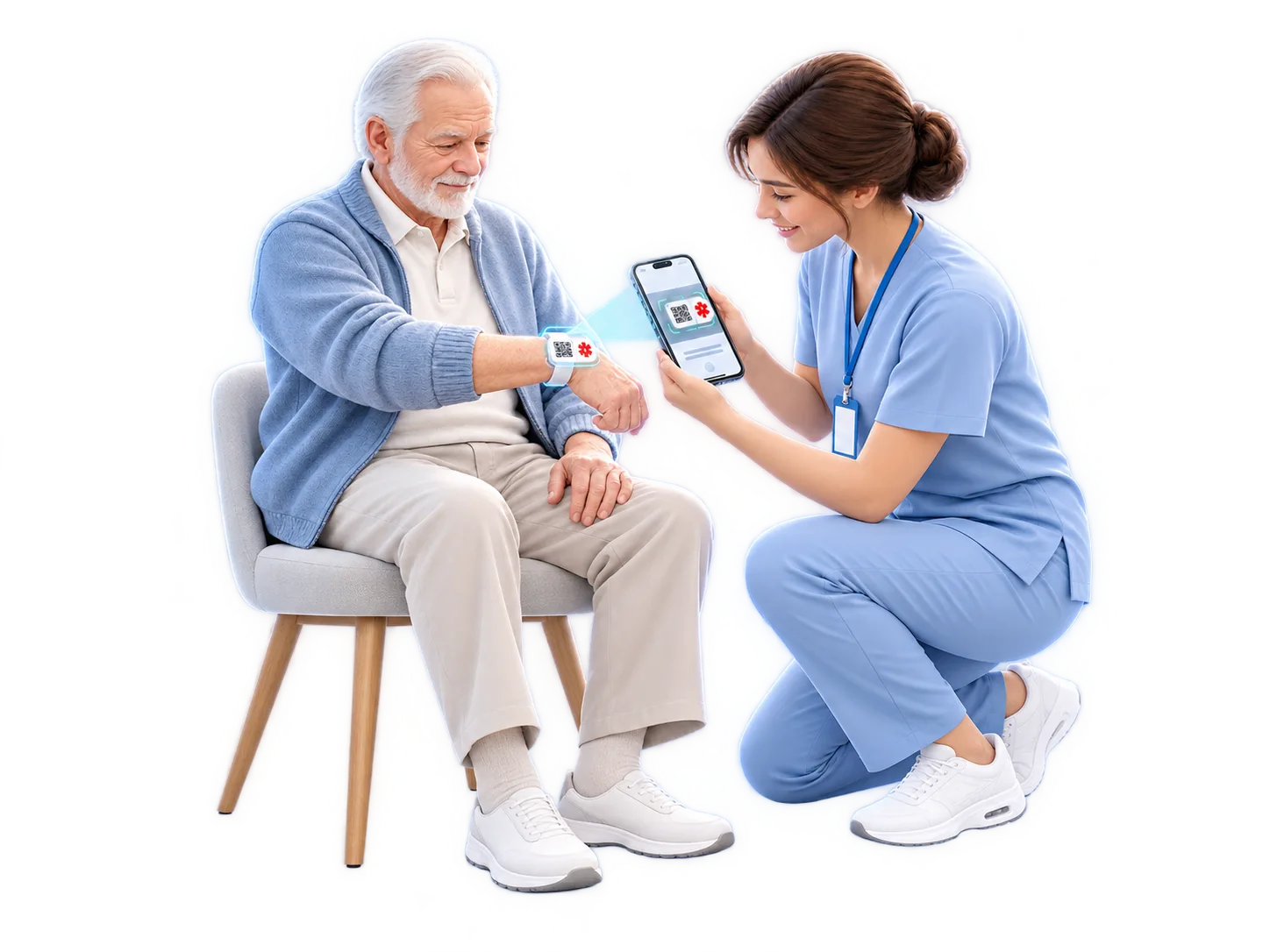
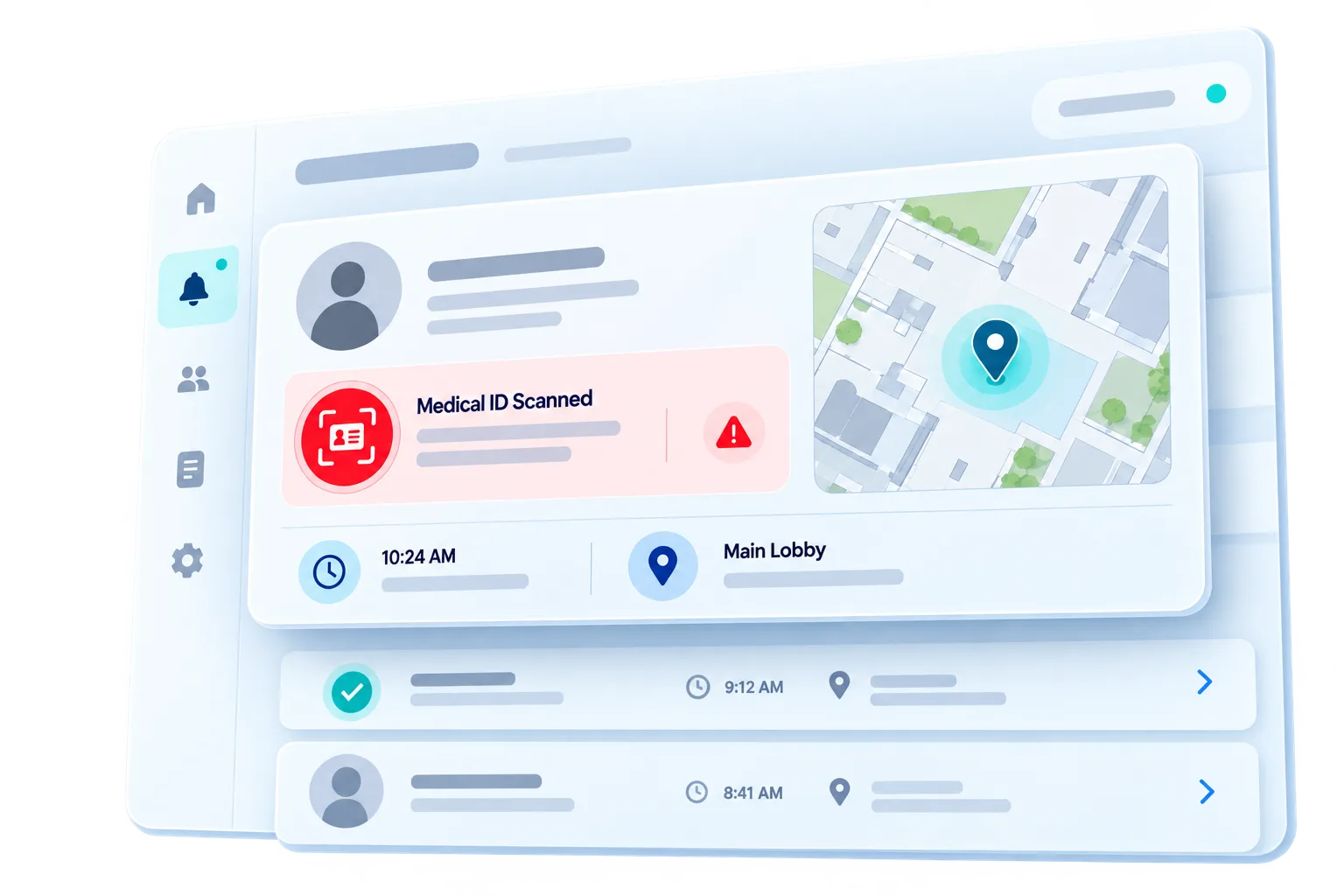
QRepublik gives each resident a scannable emergency ID. One scan gives the person helping immediate access to the resident’s selected medical and emergency information — while your care team receives an incident notification with the scan location.
No app or special reader is required. The Medical ID helps the person on scene act with better context; the alert tells your organization who was scanned, when, and where.

First, it gives the person beside the resident the medical and emergency context they may need right now. At the same moment, QRepublik brings your organization back into the incident with a notification that includes who was scanned, when, and where.
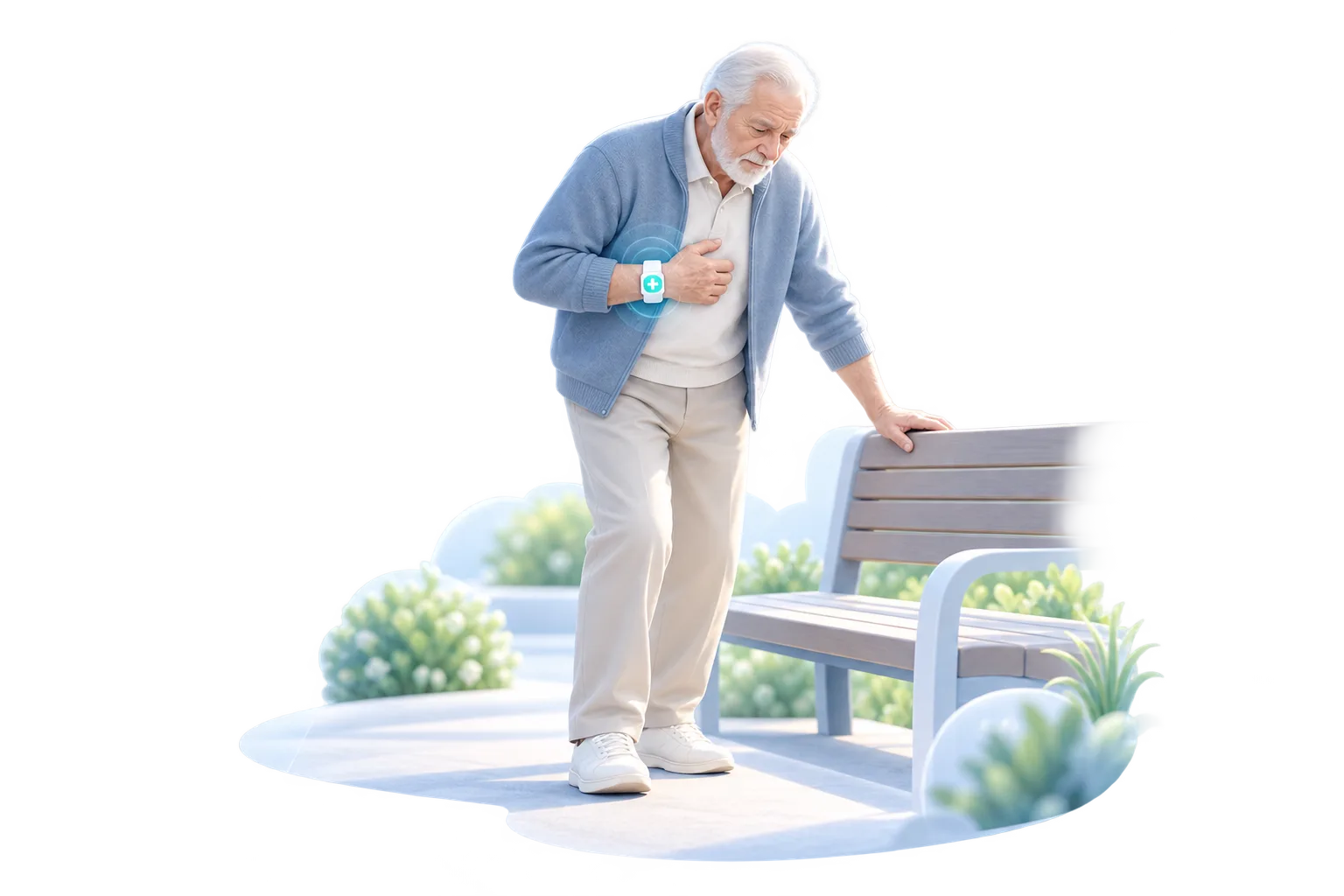
Step 1: Something happens
If the resident is confused, unconscious or unable to explain their situation, the emergency profile provides a focused set of information instead of leaving the helper to guess.
The Medical ID is not only an information card. It becomes an incident signal that helps staff understand which resident is involved and where the scan occurred.
If the resident is confused, unconscious or unable to explain their situation, the emergency profile provides a focused set of information instead of leaving the helper to guess.
On appointments, walks and outings, the Medical ID gives helpers selected emergency context. A scan also tells your team where the interaction happened.

A resident becomes separated during an outing.
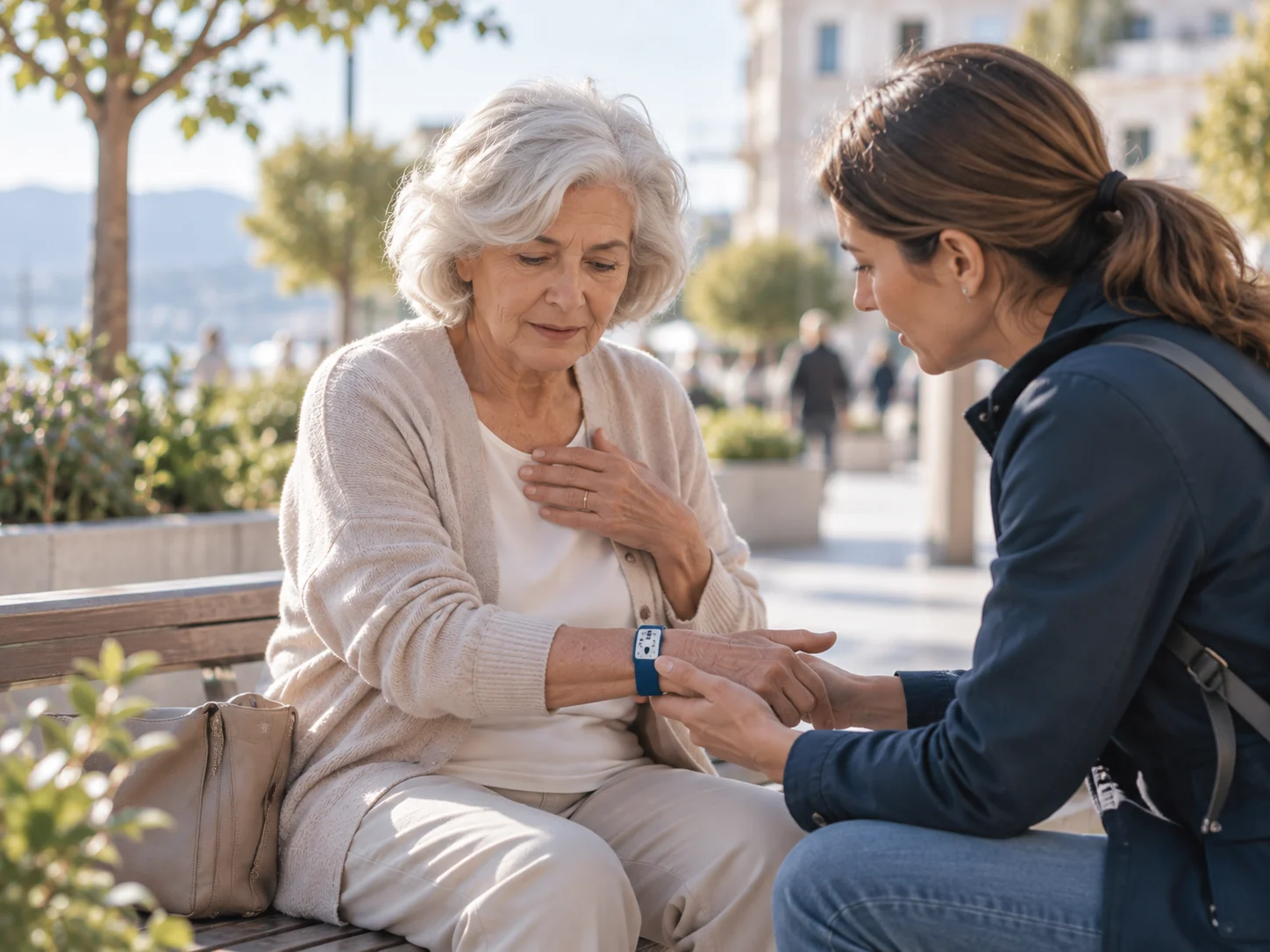
A resident moves away from an outing or activity and cannot explain where they belong. The finder can identify the resident and contact the right people — while your team sees that the ID was scanned and where.
A resident cannot say who to contact.
The person who finds them may not know their name, care organization or who should be contacted. Identity, care contacts and selected medical information travel with the resident even when they cannot explain it themselves.
A resident needs help while away from the facility.
A resident becomes unwell in a shop, café, park, transport hub or another public place. Allergies, conditions, medications and emergency contacts can be available immediately; the scan also alerts the care team to the incident location.
An incident happens beyond direct staff supervision.
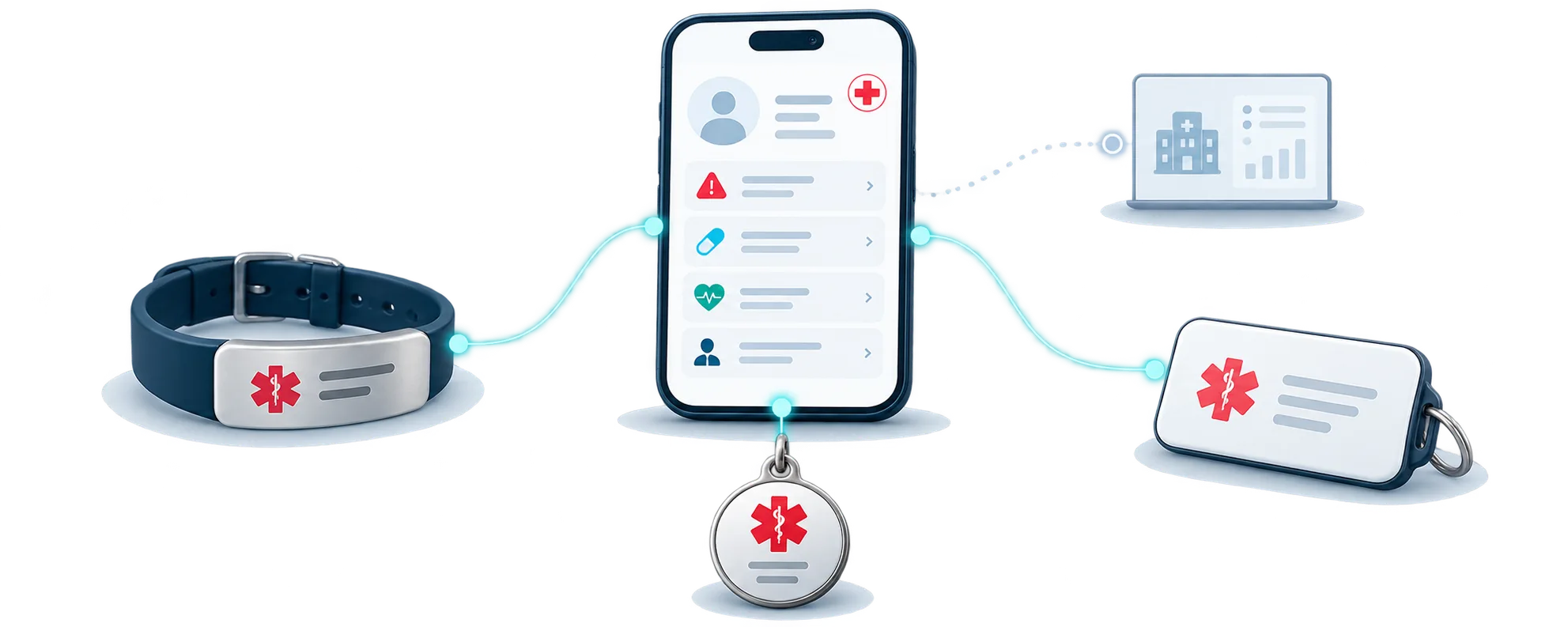
An incident happens while the resident is temporarily outside direct staff supervision. The emergency profile follows the resident beyond the facility, and a scan can reconnect the situation to the care organization.Residents carry a familiar physical Medical ID. Behind it sits an updatable emergency profile for the person helping, plus the scan-event workflow that notifies the care organization and passes the scan location back to the team.

Assign a QRepublik profile to the resident, unit or program you want to include.
Define what should be visible when the ID is scanned — without exposing an entire medical record.
Select which care-team recipients should be notified when the ID is scanned. The notification can include the scan time and location.
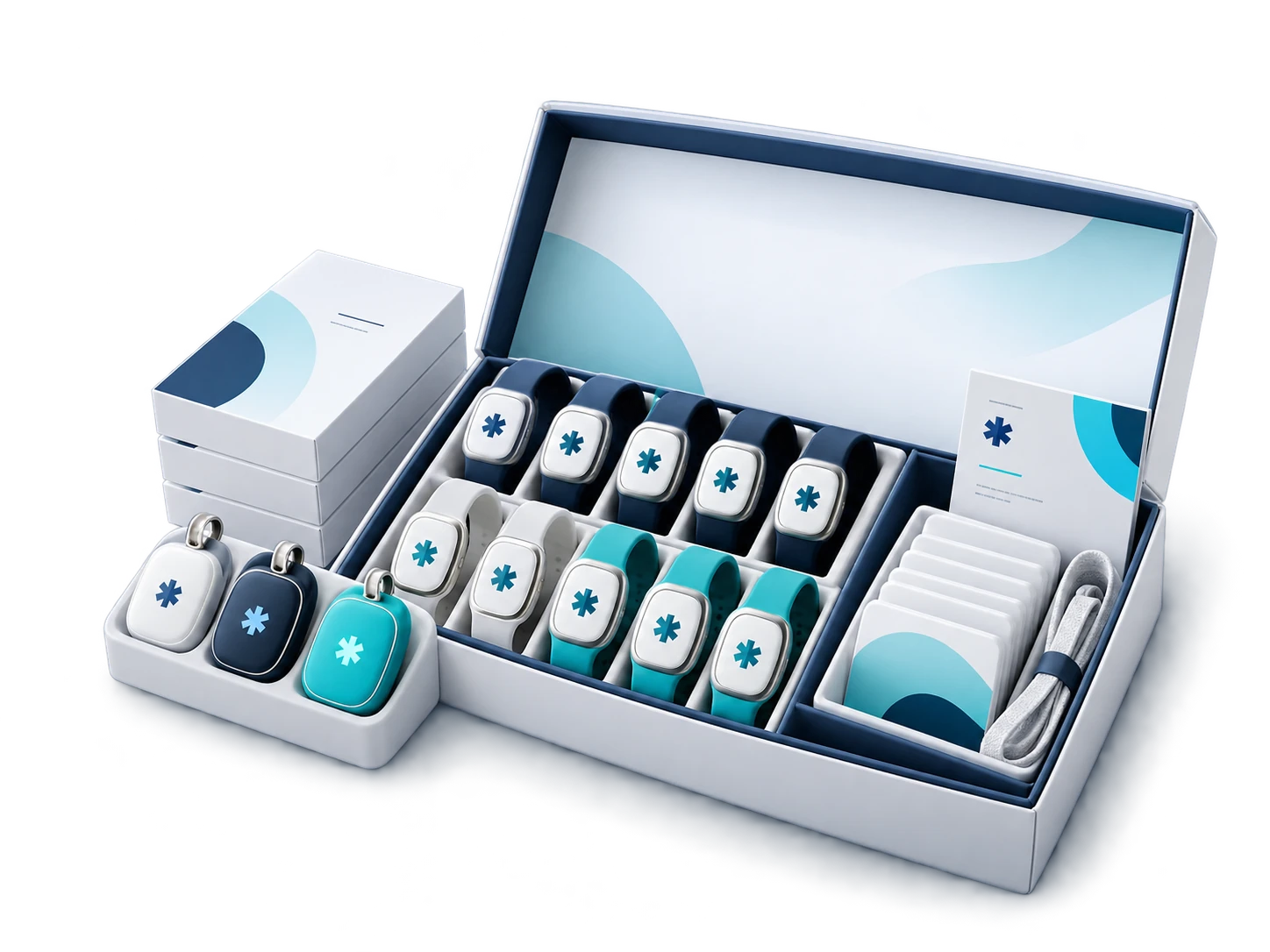
Use the physical format that best fits the resident’s routine.
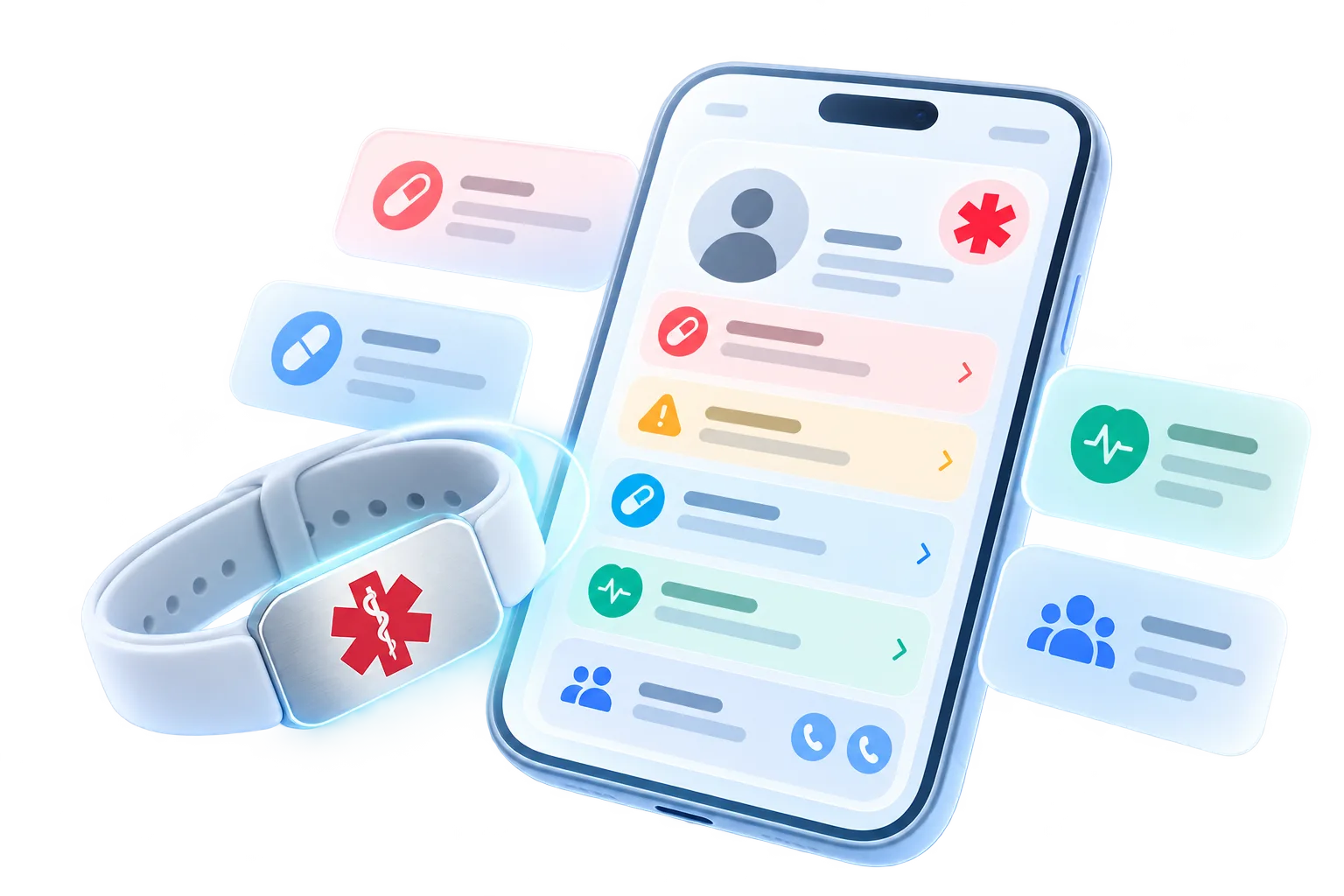
The emergency page is a focused handoff layer for the exact moment someone needs to help. It can include identity, emergency contacts, key conditions, allergies, important medications, communication needs and care-organization contact details — without exposing the resident’s entire medical record.
The essentials around tracking, alerts, privacy and staff workflow — without repeating the whole page.
QRepublik is not continuous GPS or wander tracking. Instead, when the resident’s ID is scanned, the incident notification can include the scan location. That gives the care team a location at the moment someone has actually interacted with the resident’s emergency ID.
The key event is the resident’s emergency ID being scanned or the emergency profile being accessed. Configured recipients can receive an incident notification with the resident identity, scan time and scan location.
No. The intended workflow uses a standard smartphone camera and browser, so a passer-by, driver, guide, venue employee or responder can access the emergency page without a dedicated app.
An authorized caregiver or program administrator can help maintain the resident’s emergency profile according to the organization’s consent and privacy process.
No. The emergency page is intended to expose only the fields deliberately selected for emergency access.
Start with 25 residents in one community or memory-care unit. Set their emergency details and alert recipients, test scans and incident locations for 90 days, then expand only if the program proves useful.